Made for small shops
One app for the whole crew
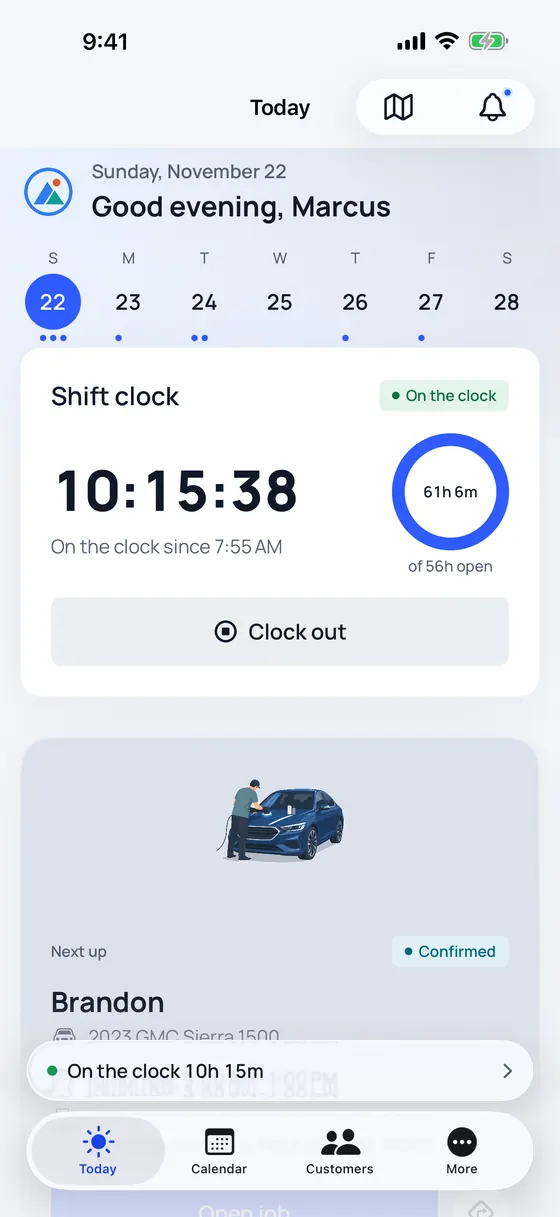
Owners see the money. Techs see their jobs. Everyone works from the same calendar, on the web and on iPhone.
- Works in any web browser
- iPhone app for you and your team, in beta
Flow is free to start. No card needed.
Get startedFlow books the job, takes the deposit and puts it on your calendar. Then it helps you do the work and get paid.
Your customers, your team and your money live in one place. Use it on the web or on your iPhone.
It is made for mobile detailers, detail shops, ceramic coating, window tint and paint protection film. Bring your customer list from a spreadsheet, and Flow finds repeats before it saves anything.
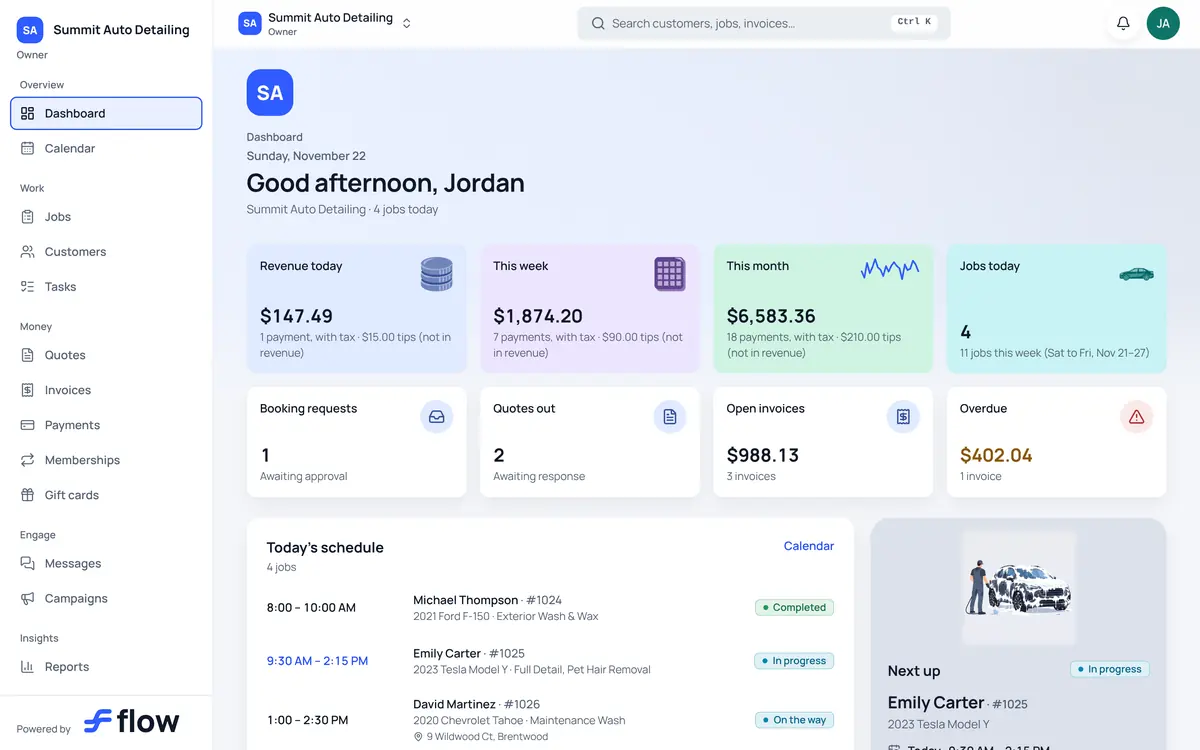
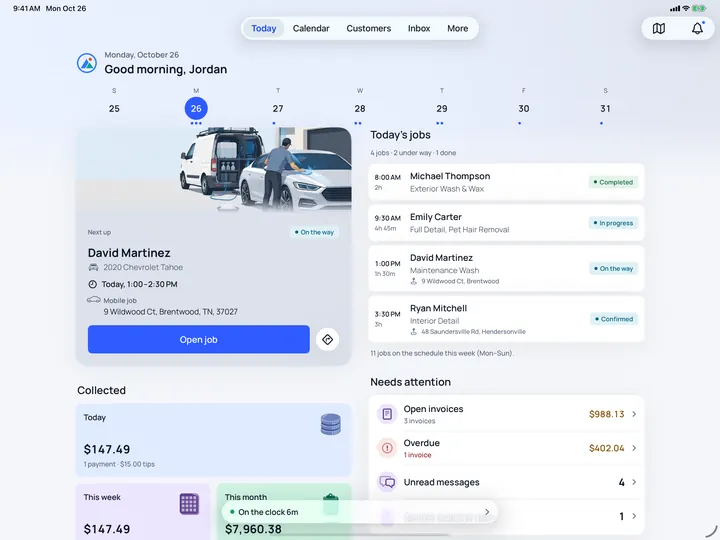
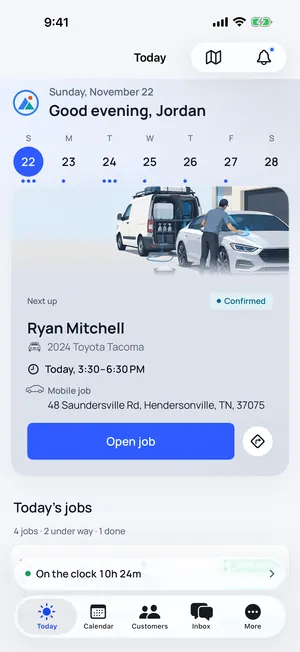
Screens show a sample shop.
Mobile detailing: Every job has its address. See the day on a map and open the route in Google Maps.
Quotes and invoices
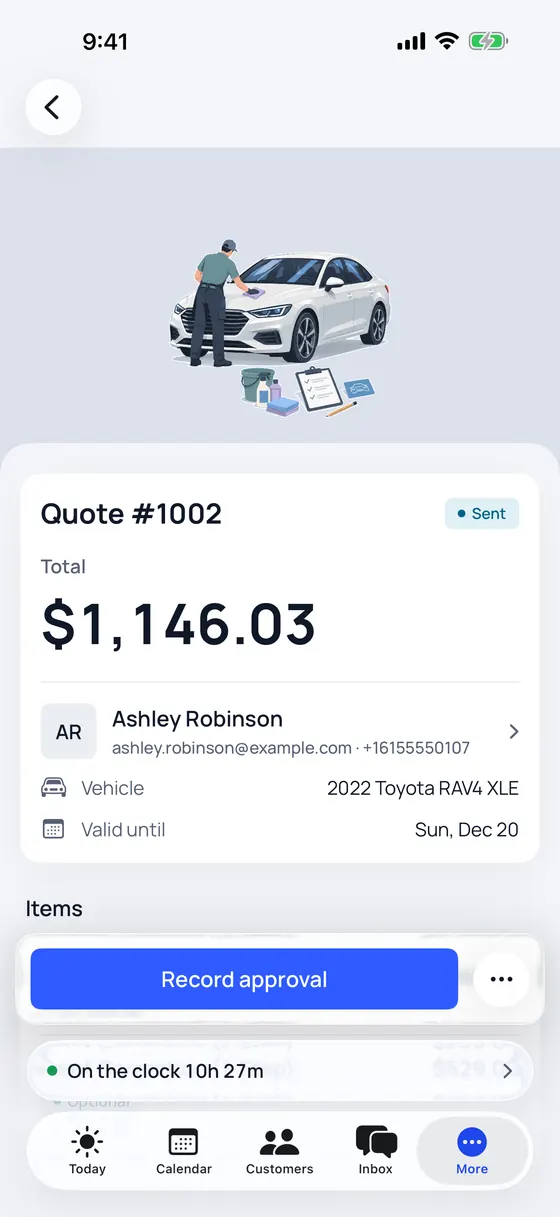
Build a quote from your own price list. The customer opens it on their phone, picks an option and signs with their name.
When the work is done, turn the job into an invoice. Share it as a link or a PDF.
Online booking
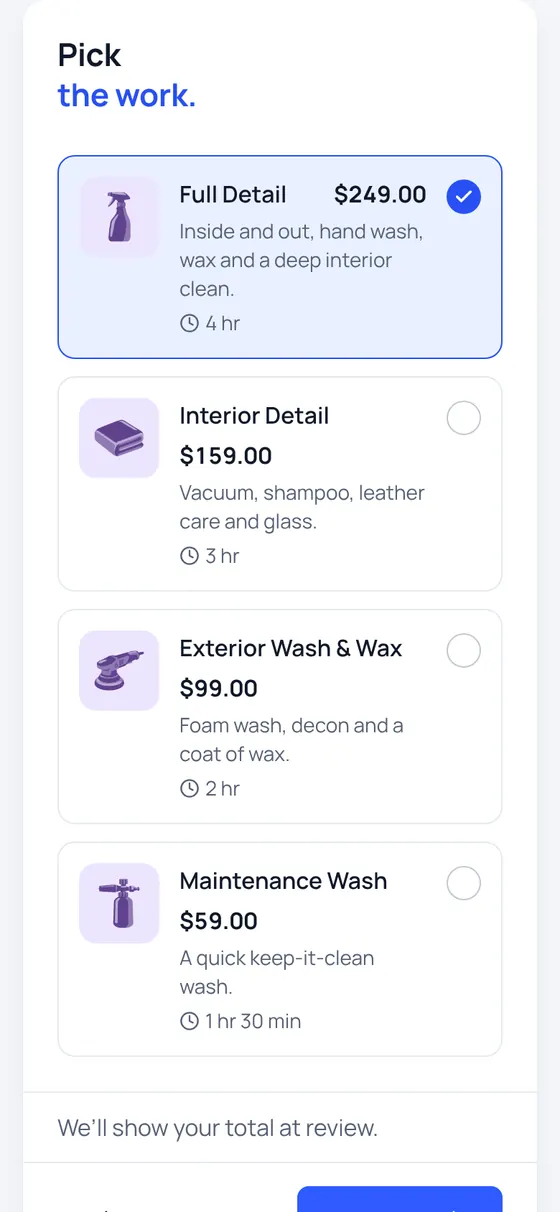
Customers pick their car, the work and an open time. You can ask for a deposit when they book.
Put your booking page on your own website with one snippet. Or share the link and a QR code.
Payments and tips
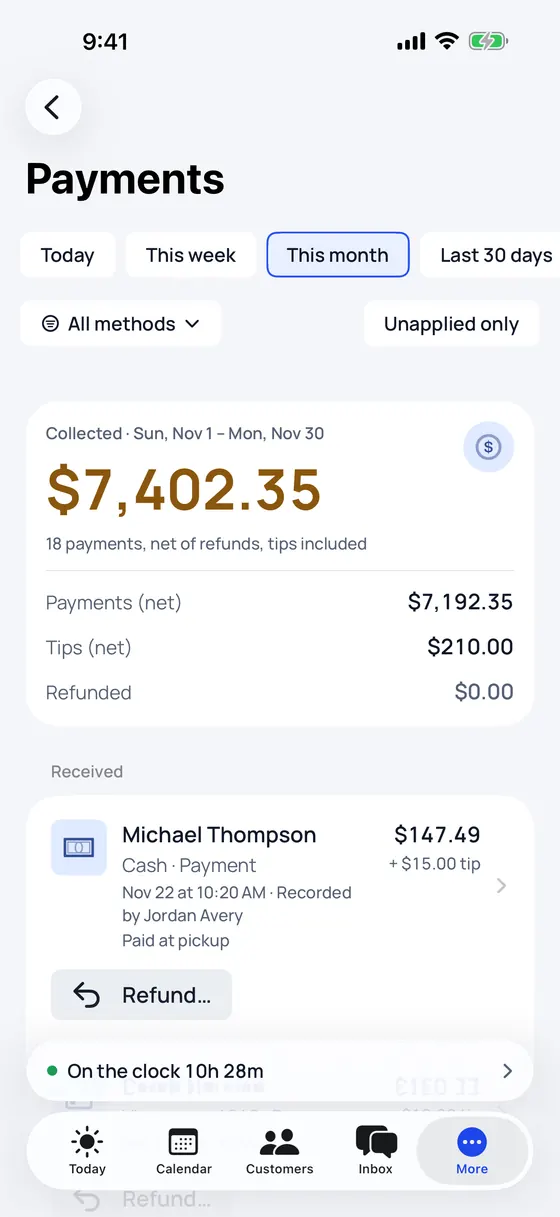
Connect your own Stripe account. Stripe pays card money out to your bank.
Customers can add a tip when they pay. Tips never change what they owe.
Scheduling and routes
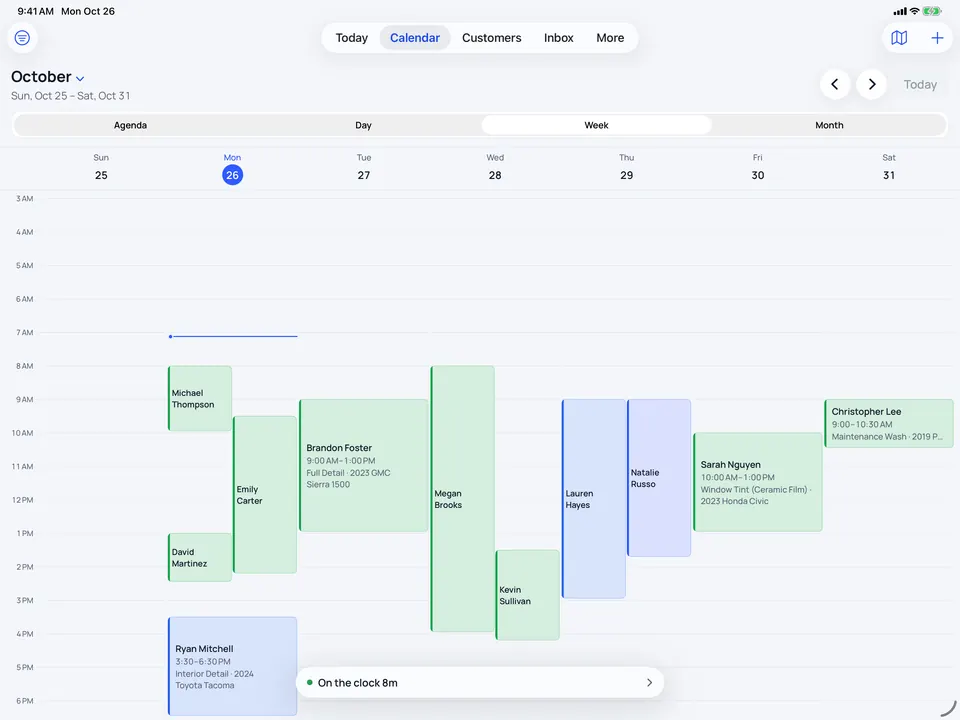
Drag to make a job. Move it to a new time, day or bay. See who is where.
Mobile jobs go on a map of the day. Put the stops in order and open the route in Google Maps.
Texts and emails
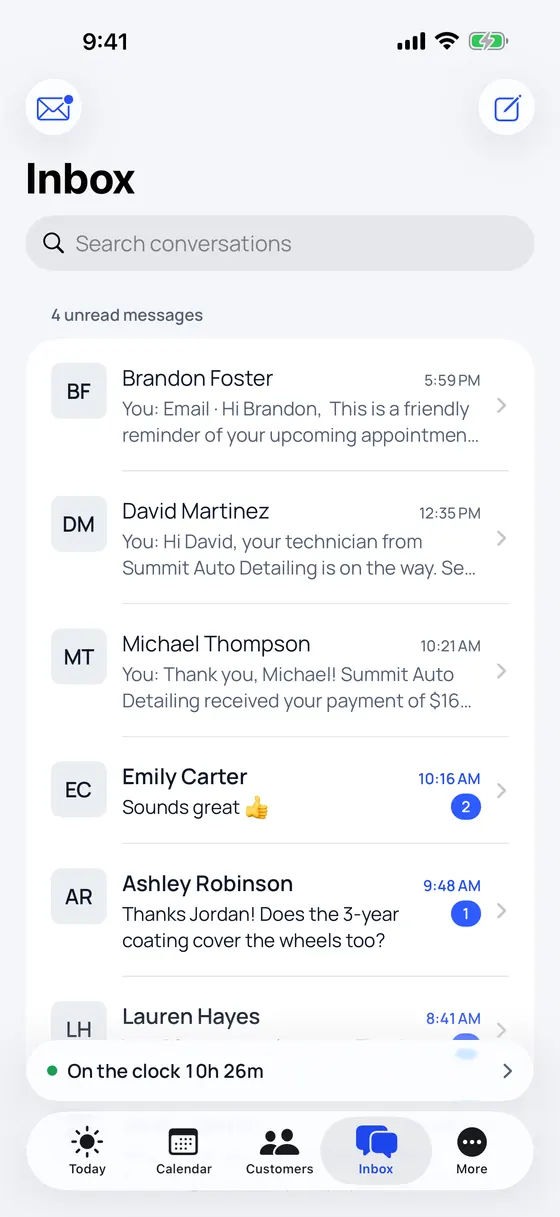
Texting is not turned on yet
Flow emails booking notes, reminders, quotes, invoices and receipts for you, with your shop’s name on them.
Texting is built too, with “on my way” texts and replies in one inbox. It is not turned on yet, so no texts go out today.
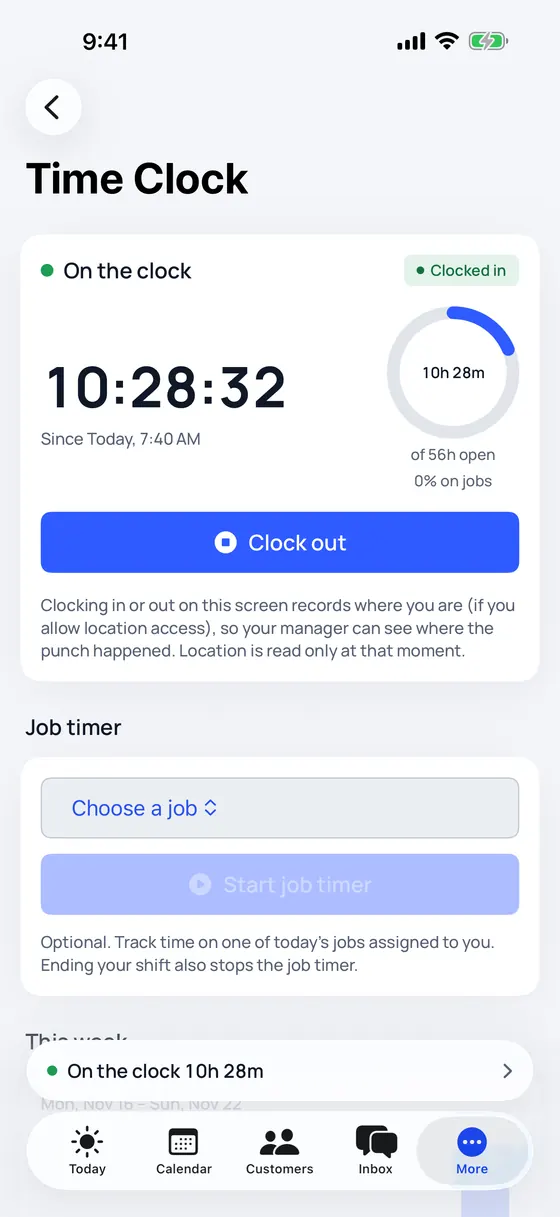
Team time and pay
Your team clocks in on the iPhone app. If they allow it, Flow saves where they clocked in and out.
Set pay rates and commission. Flow adds up hours and commission for each person and shows their tips.
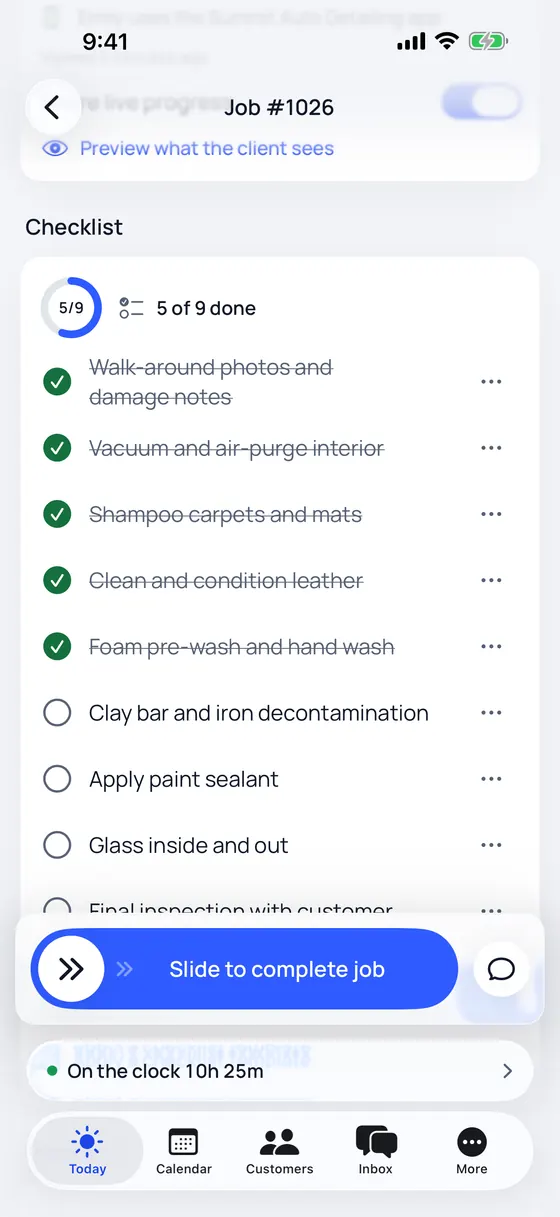
Photos and checklists
Take before and after photos and short videos on the job. They stay with the car’s history.
Use checklists so no step gets missed. Have customers sign your waiver or inspection form.
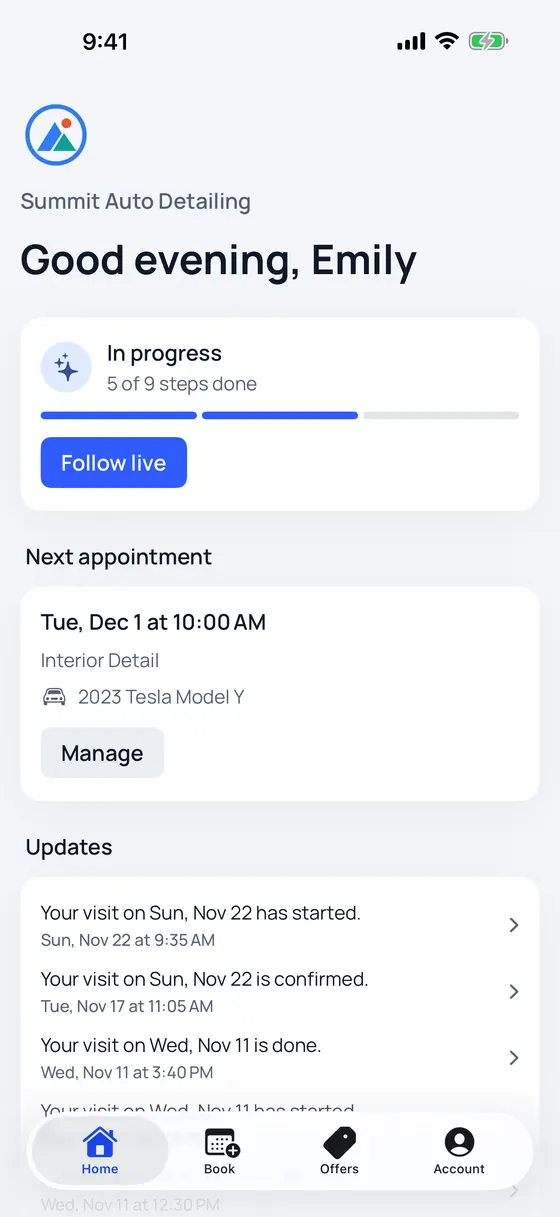
Client app and rewards
Customers get an app with your name and colors. They can book, follow a job live and see their visits.
Turn on rewards, memberships, gift cards and referrals to bring them back.
Reports and stock
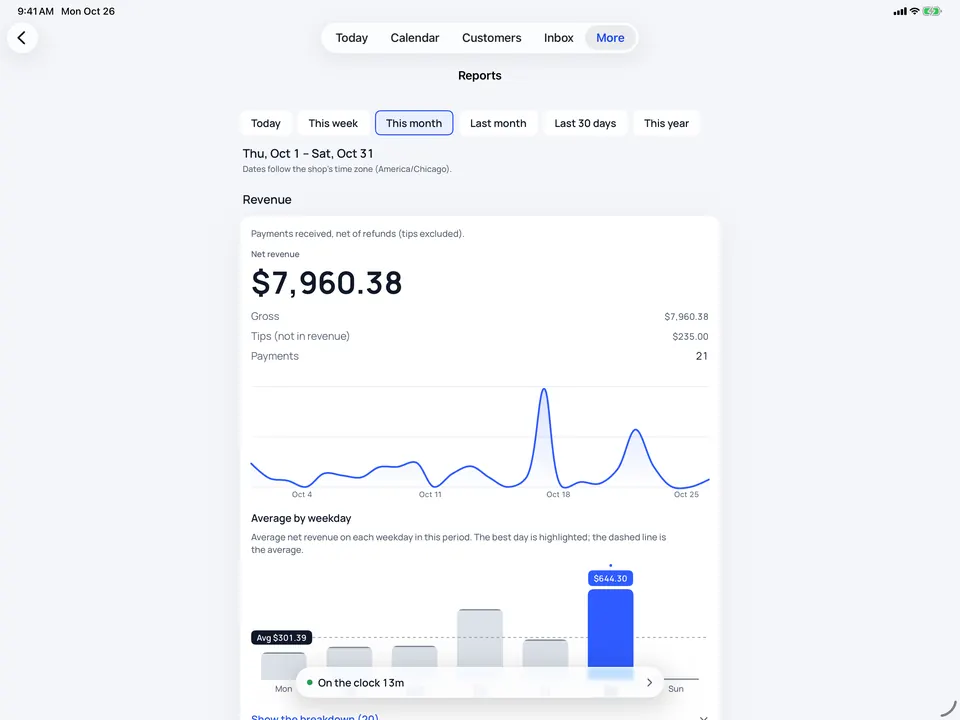
See money in, jobs done and how each person did. Every number comes from work you already logged.
Track the products and supplies each job uses.
Getting started
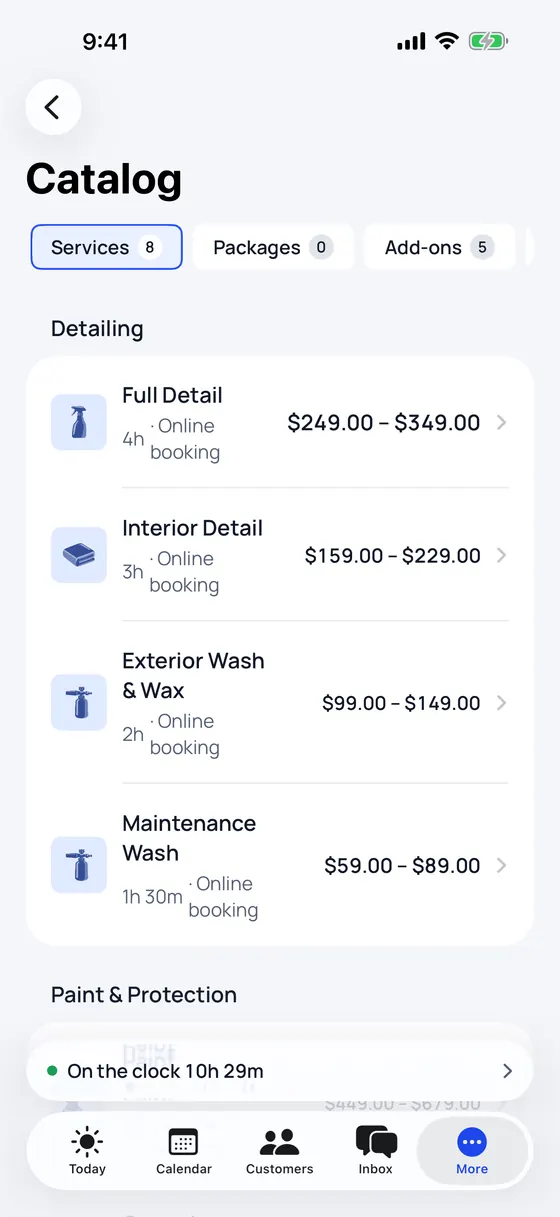
Add your name, hours, services and prices. A setup guide walks you through each part.
Import your list from a spreadsheet or a Urable export. Flow checks for repeats before it saves.
Share your booking link, connect Stripe and run the day from any screen.
Made for small shops
Owners see the money. Techs see their jobs. Everyone works from the same calendar, on the web and on iPhone.
Easy to start
Questions
Yes. Flow works in the web browser on any phone or computer. The iPhone app for you and your team is in beta. Both use the same account.
Flow is free to start, and you do not need a card to sign up. You only pay if you choose a plan. The pricing page has the details.
Straight to your shop. You connect your own Stripe account in Settings, and Stripe pays customer payments out to your bank.
Yes. Import customers from a spreadsheet or a Urable customer export. Flow points out repeats and messy records before anything is saved.
No. Flow works for mobile work, shops with bays, or both. It fits detailing, ceramic coating, tint and PPF.
Your whole team. Each person gets their own sign-in and a role that sets what they can see and change.
The best way to see it is to try it. Make your shop and look around. It is free to start, and no card is needed.
Get started free